Automation and Technology Products
HRBS builds and supports two products: Lead Management Software for finding and following up business leads, and an Automated ATS for running recruitment. Both come from tools HRBS uses in its own work, with support from the people who built them.
Lead Management Software
Identify and prioritise potential clients using buying-intent signals. From Rs 5,000 a month, with email and phone support in working hours.
See the product →Automated ATS
The applicant tracking portal HRBS uses for its own clients, offered as a subscription or a custom implementation. Request a quote.
See the product →How HRBS builds and supports products
Each product started as a working tool for a real need, inside HRBS or for a client. We keep the scope narrow, show you the real screens before you commit, and agree support terms in writing. If a product does not fit, we say so and suggest another route, including a custom build.
Where a product touches personal data, we describe how that data is handled in plain terms and link to the privacy policy. We do not publish performance figures we cannot back with evidence.
Which product fits your problem
- Your sales team finds prospects by hand or from bought lists.
- Follow-ups depend on memory or a shared spreadsheet.
- Managers cannot see who was contacted, when and why.
- Hiring managers ask recruiters for status every day.
- Candidates hear nothing between interview and offer.
- Offers go out without a recorded approval.
How a product is set up
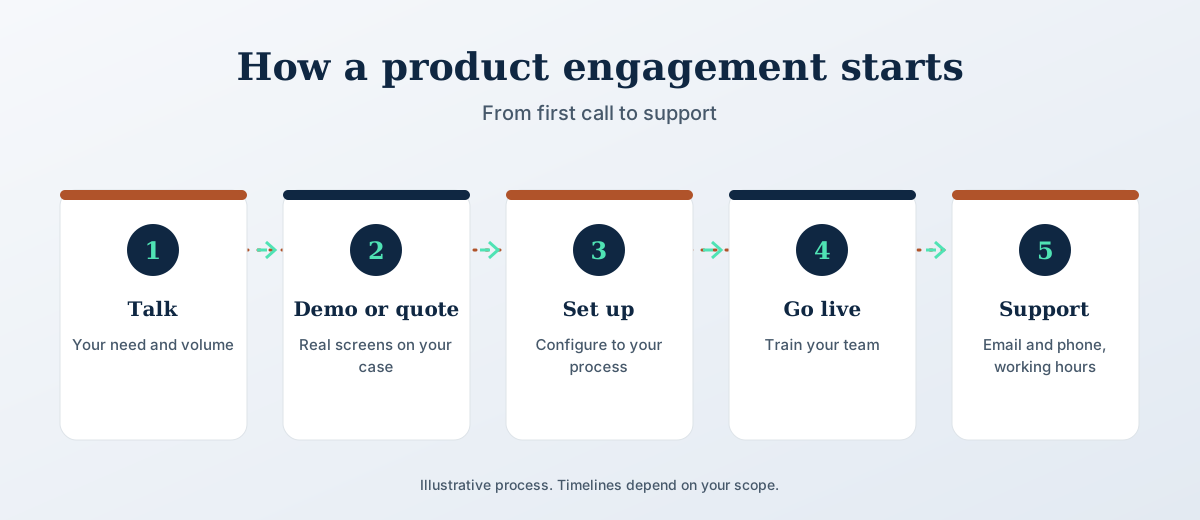
The same four steps for both products. Nothing is charged until you agree the scope in writing.
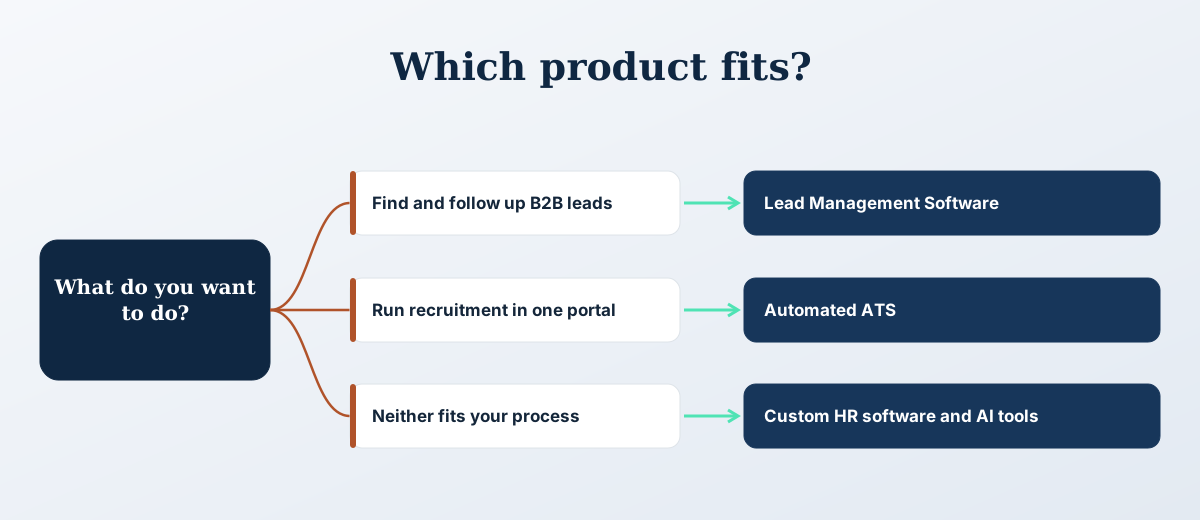
The process in pictures
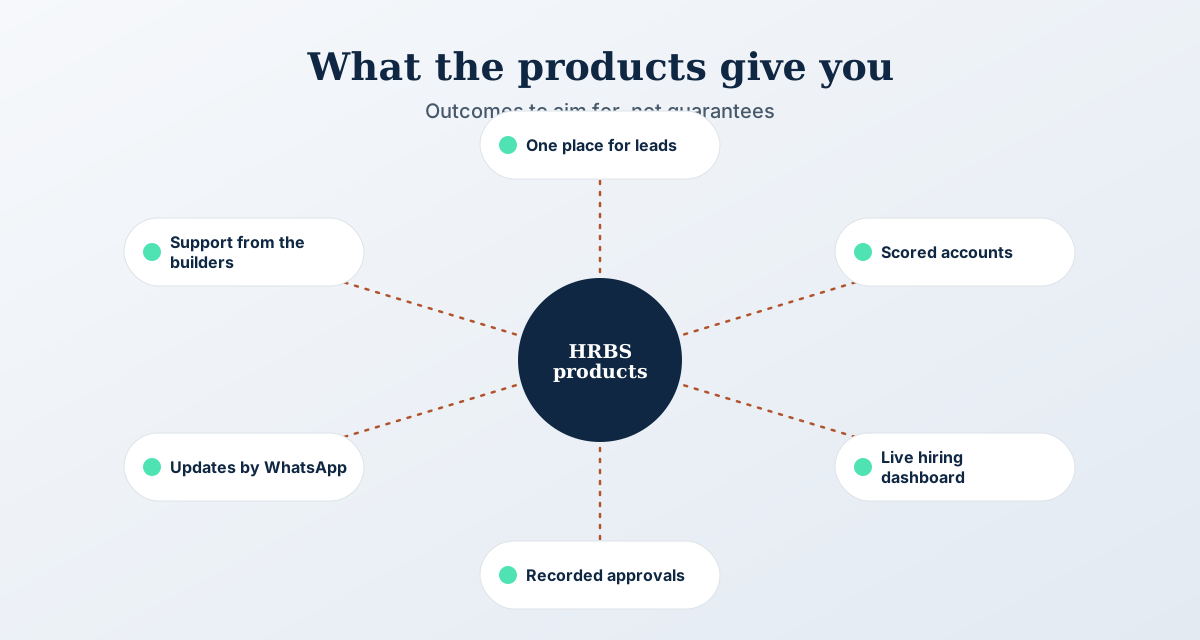
Three views of how this works: the steps, how to choose, and what to aim for.
Product FAQs
How does HRBS support the products?
Both products come with email and phone support in working hours. HRBS supports you for as long as you use the product. This covers HRBS support, not the support contract of any third party platform you connect.
Can we try a product before buying?
Request a demo for Lead Management Software or a quote for the Automated ATS. Both start with a short call about your needs, and neither needs a long contract to begin.
Do you build other custom tools?
Yes. HRBS builds custom HR software and AI tools around your platform. See the custom HR software service for what is possible.
Which product should we start with?
Start with the problem that costs you most today. If your sales team spends its time finding accounts, start with Lead Management Software. If hiring managers chase recruiters for updates, start with the Automated ATS.
Do the products work with our existing software?
Both import and export spreadsheets. Connections to other systems are agreed case by case, and a custom implementation of the ATS can include integrations you need.
If both products seem to apply
Many employers sell and hire at the same time. Three questions usually settle where to begin.
How the products are supported
Support is email and phone, in working hours, for as long as you use the product. It comes from the team that built it. At set-up, users, roles and approvals are configured and your existing spreadsheets are imported.
Support covers the HRBS product only. If you connect a third-party platform, that platform's own support contract still applies. If your needs outgrow the standard product, the Automated ATS can be adapted through a custom implementation.
Support covers
- Email and phone, in working hours
- Help with users, roles and approvals
- Questions on imported spreadsheet data
- Guidance on a custom implementation
Common questions
Can we use both products together?
Yes. They are separate tools for separate teams, so you can start with one and add the other later. Both import and export spreadsheets, and any link between them or to your other systems is agreed case by case. Tell us the sequence you prefer on the first call.
Is the Automated ATS only for clients who hire through HRBS?
No. It suits employers in India who hire every month, whether they work with HRBS or other recruiters, and want one place to see progress and approvals. It is the portal HRBS uses for its own clients, offered as a subscription or a custom implementation. It is not built for a single one-off hire.
Not sure which product fits?
Book a short call. We will tell you which one fits, or whether a custom build makes more sense.
Book a call