Start small
Bring a clean sample of existing prospects into the workflow.

When leads sit in personal spreadsheets, managers struggle to see who contacted an account and which follow-up was missed. HRBS Lead Management Software gives small B2B sales teams one place to prioritise accounts, review outreach and keep a shared activity record.
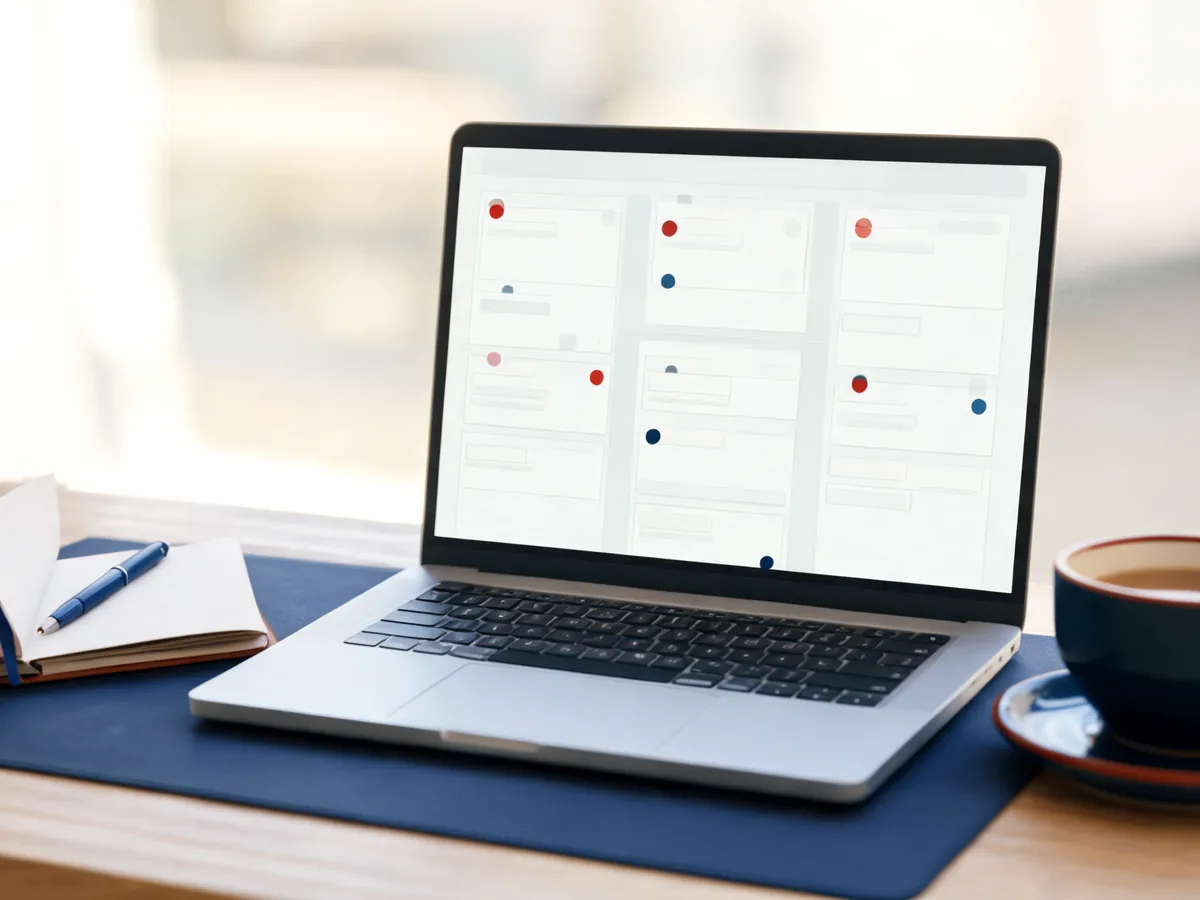
Bring a clean sample of existing prospects into the workflow.
Use practice mode and agree who approves outreach.
See account progress and the next follow-up in one place.
A process overview to discuss in your demonstration—not a product screenshot or a performance forecast.
| Task | A common manual approach | The HRBS approach to evaluate |
|---|---|---|
| Account records | Separate personal spreadsheets | Shared account activity history |
| Priority | Whatever feels urgent | Scored accounts with reasons |
| Outreach | Unreviewed individual messages | Review and approval rules |
| Continuity | Ask a colleague for an update | Review the recorded next action |
Import your existing spreadsheet and review duplicate flags before assigning work. Agree how your team identifies an account and who maintains the record. You do not need to import every old list on day one; a small, relevant sample is easier to review and improve.
Use the sales pipeline and account activity history to review what has happened and decide the next action. The benefit is continuity: another team member can understand the account without searching through a colleague’s notes. Confirm the pipeline stages and ownership setup you need during the demo.
The software prepares role-matched drafts for email, LinkedIn and WhatsApp. Sellers review relevance and wording; managers can require approval. Practice mode lets a new user learn the workflow without contacting real prospects. Sending routes and permitted connections are agreed as part of setup.
Lead management keeps current work organised; signal-based lead generation adds accounts for your team to evaluate. Review the scoring reasons and your product-catalogue match before adding an account to active outreach. A larger list is not automatically a better pipeline.
Begin with the users who will work in the system daily, a clean sample of accounts and one clear follow-up process. Review activity history together and adjust before expanding. Connections to other systems are agreed case by case; spreadsheet import and export provide a starting point.
Plans start from Rs 5,000 per month, with email and phone support in working hours. Ask for a written quote confirming users, account volumes, catalogue preparation, setup, integrations and plan terms. No meetings or sales are guaranteed.
HRBS does not sell bought contact lists. People check relevance and follow applicable outreach requirements. Confirm access controls, export, retention and deletion terms before deployment.
Small teams are a useful demonstration scenario, particularly when prospecting and follow-up are currently manual. Confirm the user allowance, account volumes and final subscription terms in writing.
Yes. The software supports spreadsheet import and export with duplicate detection. Clean the data first and confirm the expected fields during setup.
Your team controls the sending arrangement and can require manager approval. Start with practice mode and reviewed drafts; confirm the exact permissions and sending routes before rollout.
No. The described product does not reveal the identity or email address of anonymous website visitors. Website enquiries and prospect-account discovery are separate processes.
This product supports sales prospecting and lead follow-up. An applicant tracking system supports recruitment, candidate stages and hiring approvals. HRBS provides a separate Automated ATS.
Tell us your team, current process and the problem you want to solve. Confirm capabilities, costs and responsibilities in writing.
Request a tailored demo